

DriveQuant is a telematics company. Our mission is to measure driving behavior to make roads safer and reduce the environmental footprint of mobility.


The DriveKit SDK has been designed to transform your mobile application into a driving analysis solution.
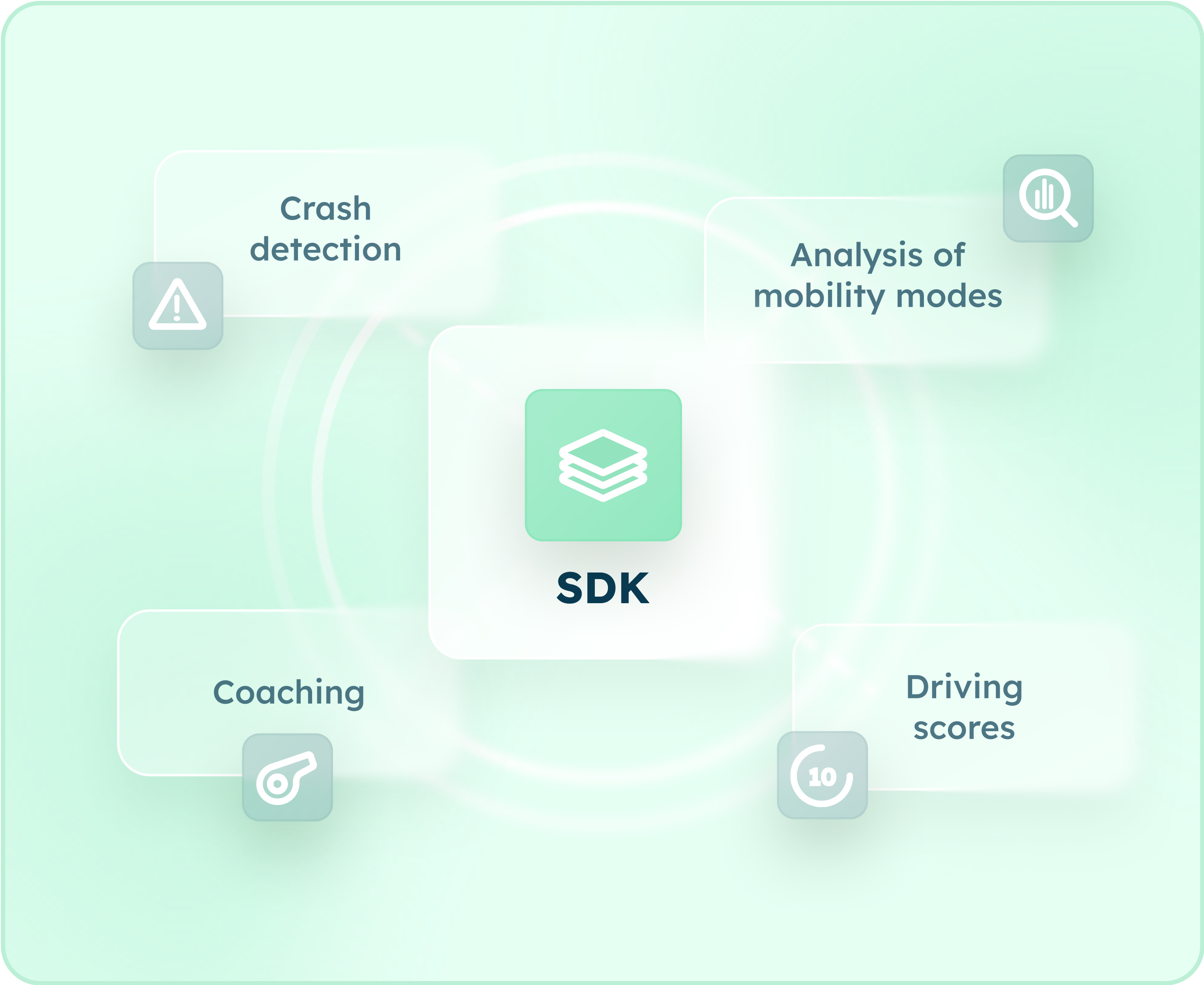
The DriveKit SDK turns any mobile app into a telematics solution to collect driving data from smartphone's sensors (accelerometer, inertial unit, GPS).
DriveKit allows insurers to assess the real road risk of their driving community based on three driving scores: the safety score, the distraction score and the eco-driving score.
DriveKit also gives insurance companies the tools to promote safer driving through connected services such as driving challenges and driving coaching.
Our crash detection service alerts insurers if a driver is involved in a road accident. Operators can then proactively dispatch emergency services or roadside assistance depending on the severity of the impact detected by our service.
DriveKit is also unique as all the graphical interfaces can be integrated into your mobile application as independent, combinable components.
-min.svg)

Data collection and analysis

Open source UI components

Automatic trip detection

Engage with drivers

Crash detection & connected assistance
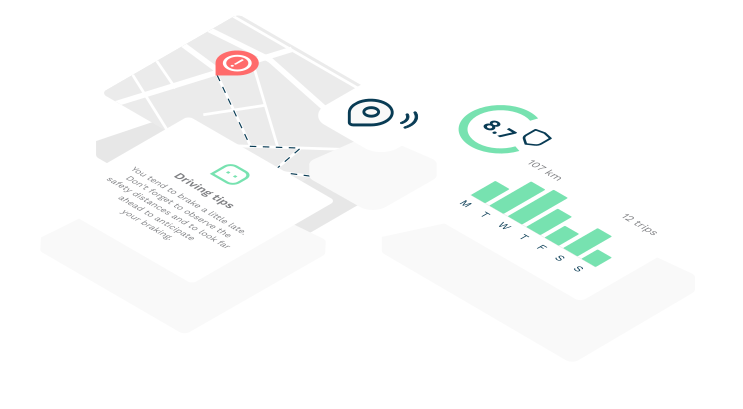
Connect your policyholders with smartphones
The DriveKit SDK collects driving data to analyse the driving behavior of every policyholder.
It uses the GPS sensor sampled at 1 Hz for the analysis of vehicle dynamics, and the energy consumption analysis. The motion sensors (accelerometer and gyrometer), sampled at 100Hz, are used for crash detection purposes.
Use our graphic libraries to save time
The DriveKit SDK is unique because it contains a free graphical library that insurers can freely used.
The objective is to provide insurers and users with the best driving indicators combined with clear visualisations.
No driver intervention needed
The SDK runs in the background and automatically detects the start and the end of a trip, without any action required from the driver. The solution has been designed to avoid disturbing policyholders while driving and ensure they only focus on the road.
The DriveKit SDK uses the smartphone's sensors to collect driving data. The data is then processed to be transformed into objective driving indicators. The SDK can be combined with a beacon for ensuring vehicle identification in Pay-As-You-Drive programs.
Build customer loyalty
Once installed, the DriveKit SDK transforms the data collected by smartphone sensors into reliable driving scores, and driving indicators.
The insights are displayed in maps and visualizations to highlight areas for driving improvement.
Beyond our driving scores, the SDK contains connected services such as driving challenges to engage in road prevention and make drivers safer on the road.
Protect your community
With our best-in-class crash detection service, assistance operators are alerted within seconds of a road accident. Operators can then dispatch emergency services in case of severe collision or send out breakdown services.
The driver also gets a notification asking him to confirm their state of health.
Our service also generates reports with driving data before, during and after the impact to help understand the conditions of the accident and accelerate claim management.

Low battery drain
The SDK runs in the background and only uses the GPS sensor when it detects a trip. Our automatic trip detection system is the most performant and power-efficient solution on the market.

Low data usage
The data exchange volume has been minimized to ensure that the SDK consumes a minimal amount of mobile data.

Quick setup
Installing the DriveKit SDK is a straightforward process, facilitated by our publicly available documentation. The integration can be completed in a single work day.

Compatibility and accuracy
The DriveKit SDK is compatible with all iOS and Android devices. We conduct rigorous and scientific assessments of sensors and data quality to produce reliable driving indicators.

Work offline
The SDK works both online and offline. It synchronises the data with our servers even if the user changes smartphones or uses multiple devices.

Combine with beacons
The DriveKit SDK uses the smartphone sensors to detect trips but it can also be combined with beacons for Pay-As-You-Drive programs.
DriveQuant is a telematics company. Our mission is to measure driving behavior to make roads safer and reduce the environmental footprint of mobility.